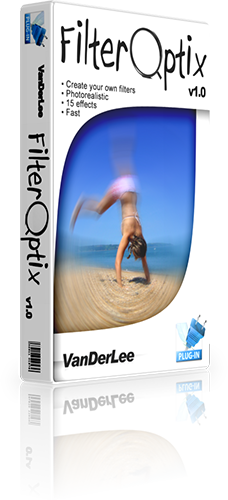
|
|
Important notice!
VanDerLee.com is no longer selling plug-ins or offering support.
You can download the fullly unlocked versions of all previously sold plug-ins for free.
|
|
Download
| File |
Version |
Platform |
Size |
| FilterOptix™ |
v1.0.136 |
Windows™ |
2.2 MiB |
Free full license key
| E-mail address |
vanderlee.filteroptix@example.test |
| License key |
RGMP-HBHI-Q5A3-6CFC |
Select a download link
| Server |
Connection |
Location |
|
| VanDerLee |
HTTP |
U.S.A. |
Download |
Installation instructions
- Double-click
on the downloaded file to start it.
- Depending on your version of Windows™, you may see a warning message.
If you are sure you downloaded the file from one of the servers above
you can safely continue.
- Read the legal agreement and accept and press the "Next"
button to continue installation.
- The installation will automatically detect compatible graphics
applications.
Check the boxes to the left of the applications you want to install to.
- If your graphics application was not detected, you can still manually
provide an installation folder using the custom folder button beneath.
- Clicking the "Install" button will install the plug-in to
the graphics applications.
- After installation has completed, you are asked to stop or continue.
Continue if you want to install the plug-in somewhere else, otherwise
press the "Stop" button.
- Installation is now finished and the plug-in should appear in your
graphics application.
|
|
|
|