
Create the perfect Halftone™ effect.
The largest feature-set of any halftone dithering effect in the market ensures you can do things never seen before. Make creative design and artistic works with the Halftone plug-in or process images for the printing press quickly and painlessly. Halftone uses complex mathematical formulas and specifically designed and optimized algorithms to provide the best possible quality for any image.
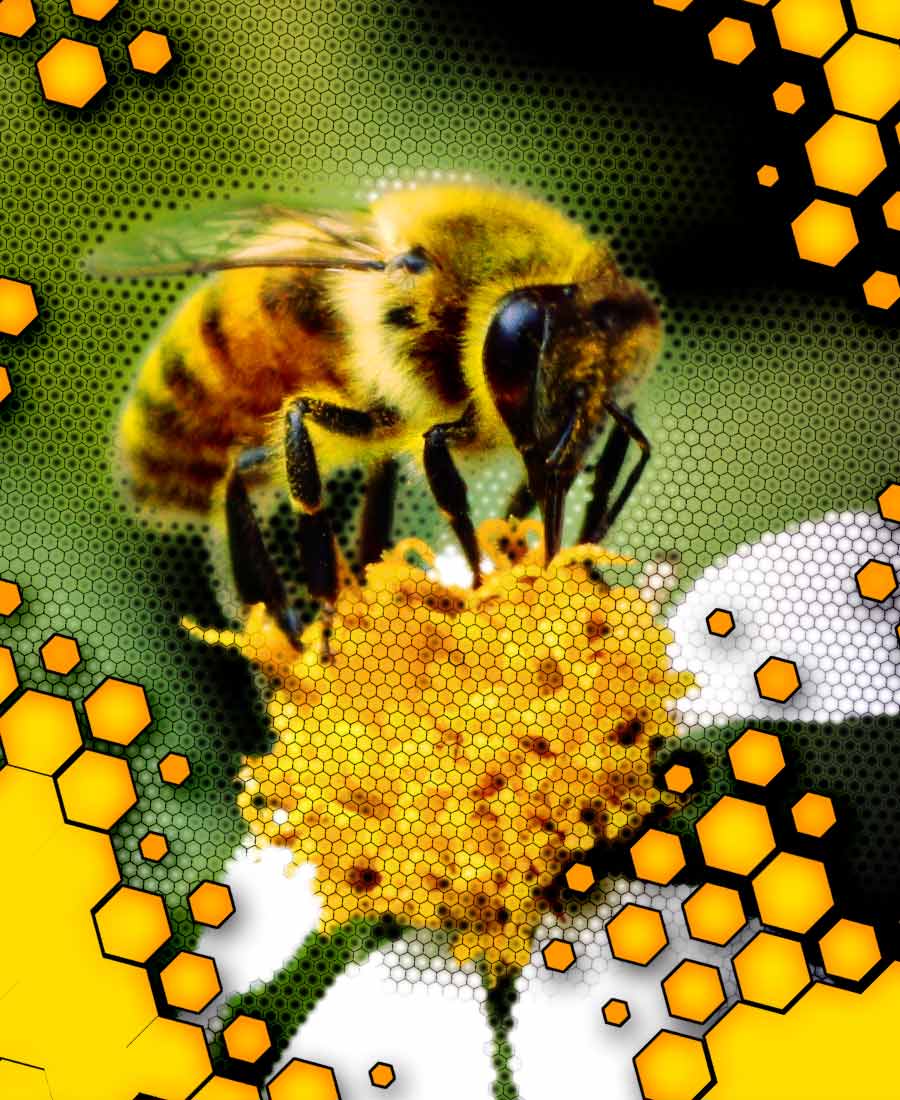 Fine-grained, flexible placementPosition, scale and
rotate the grid as you need, you can even rotate the shapes independent
of the grid. Create a more "natural" look by randomizing rotation of and
position of the dots. Halftone gives you three different types of grid
to play with, where dots are aligned on the corners of either squares,
triangles (demonstrated here) or hexagons. |
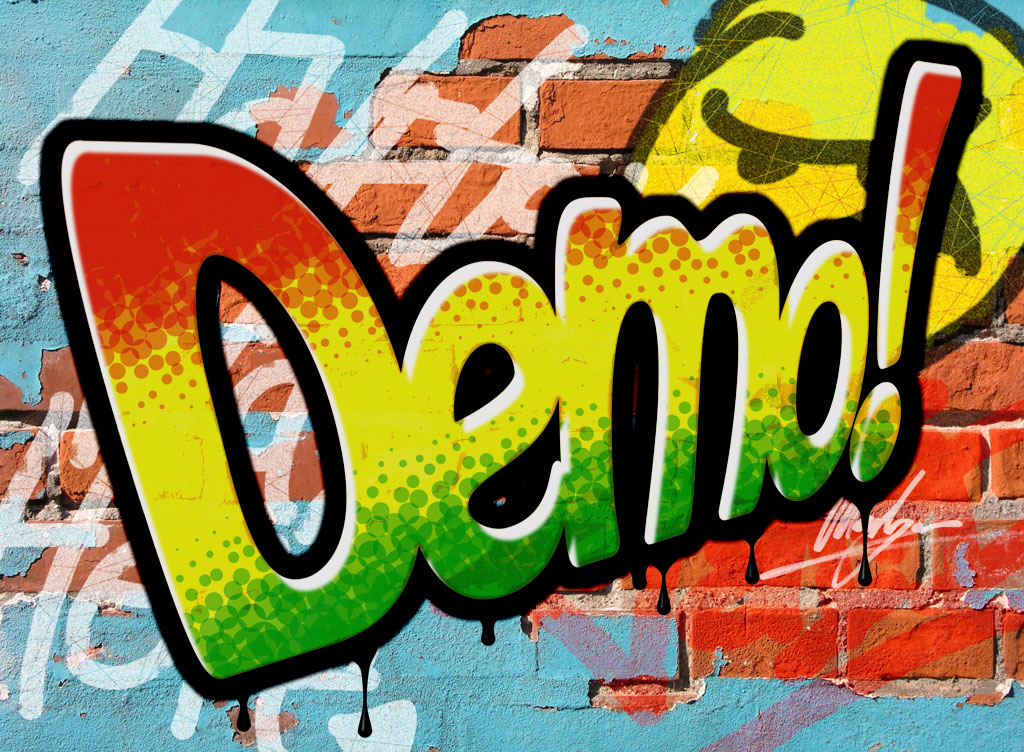 Dots of all sizes and colorsCreate dots exactly as you want. Change the size, color and rotation of the dots to make the basic effect. Apply random factors to give a more natural feeling. Change the relative size of the dots by changing the contrast and brightness. And if you really want to do something new, use opacity/transparency to overlay dot shapes. Halftone even supplies an option to automatically resize dots to compensate for the opacity. |
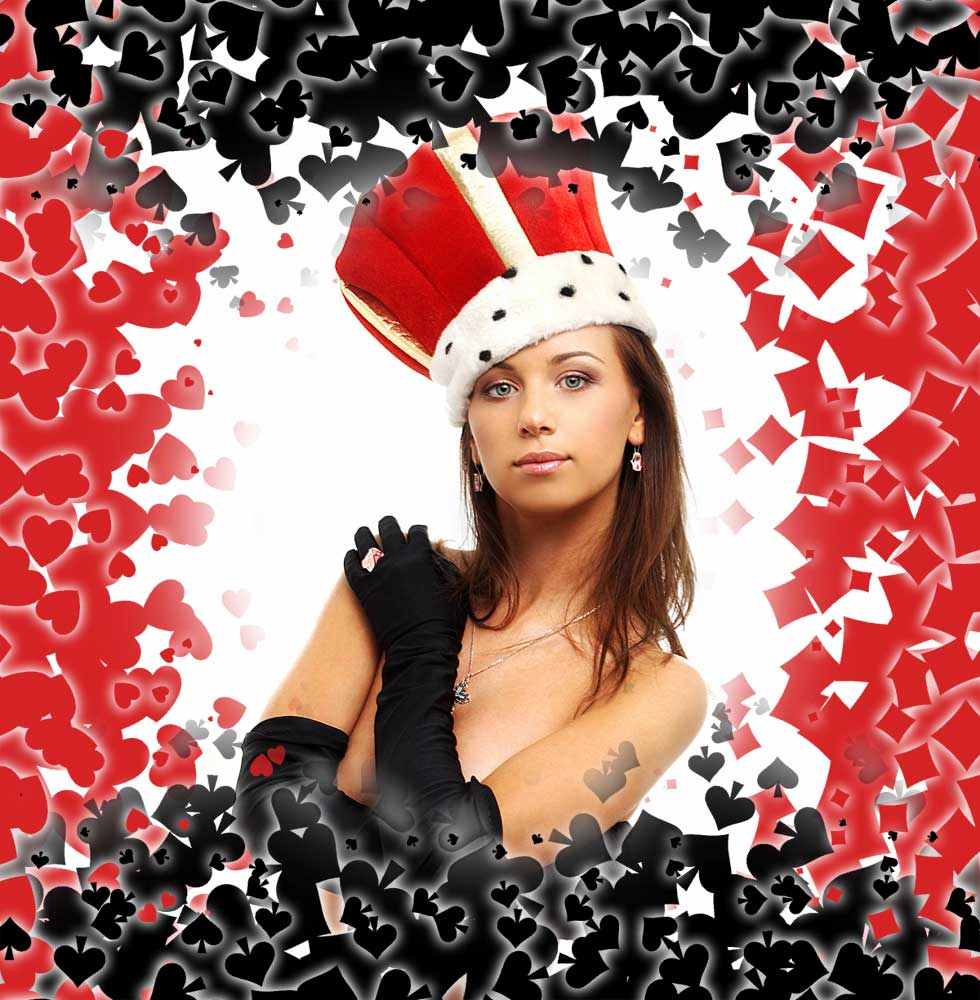 Use any shape you can imagineHalftone includes three
high-quality, mathematically modeled shapes; round dots, squares and
stars, with any number of points. These built-in shapes are perfectly
anti-aliased at any size and angle, for any image type. |
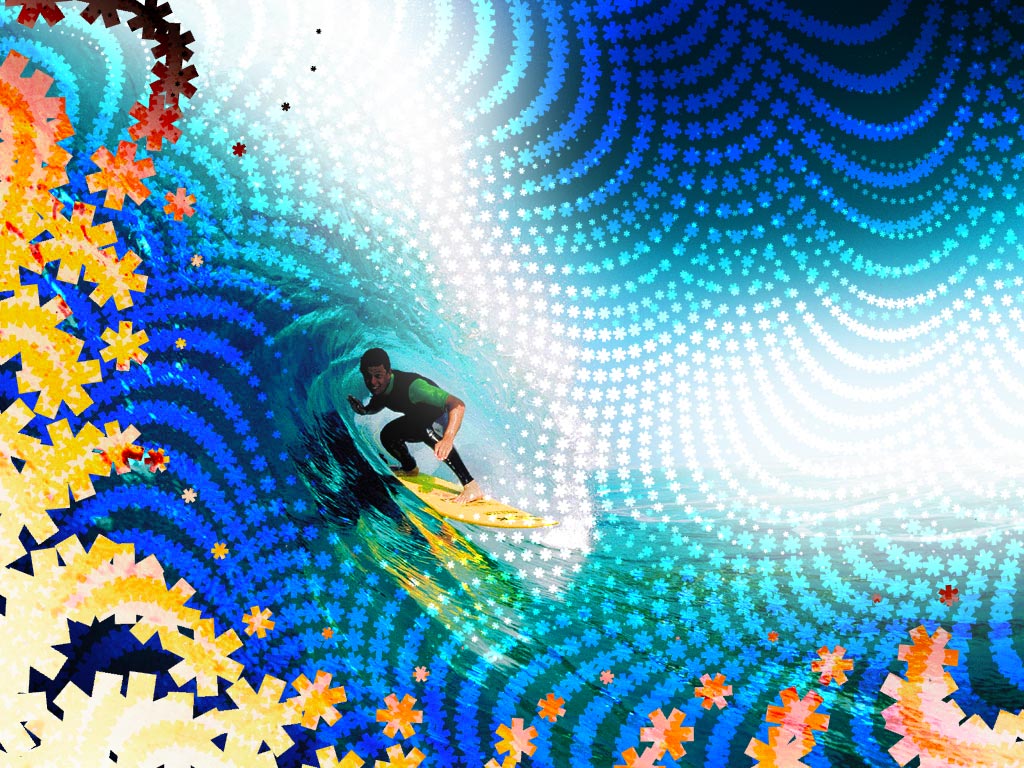 Make some wavesDots in a halftone pattern are aligned to a grid but with Halftone, that grid is as far from static. Waves add a new dimension to halftone patterns, making possible stunning effects by turning the grid aligned shapes into waved and curved patterns. Move dots along waves, twist them around in spirals and make a splash with circular waves. Using waves you can make effects never seen before. |
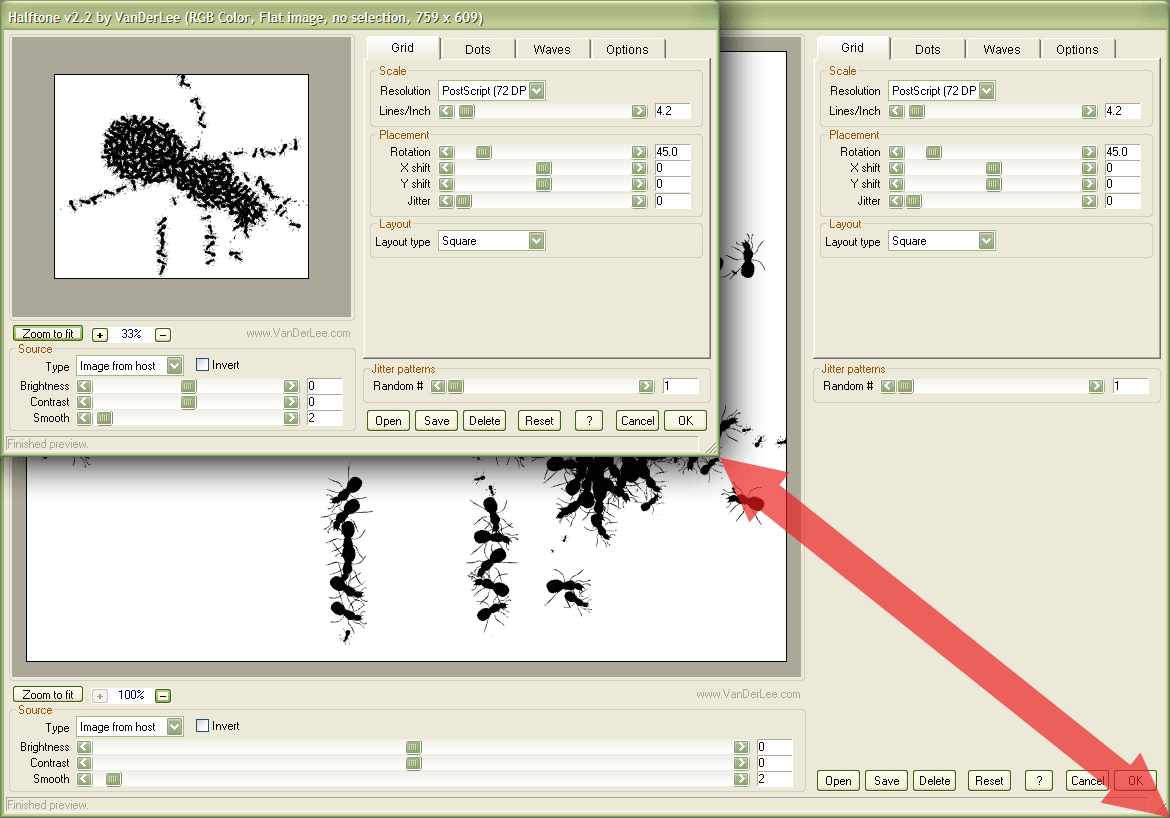 Easy to use interfaceHalftone has an clear user interface where all features are easily found. Since we keep everything as simple as possible, you'll be able to use every control from the start. Immediate preview lets you see the results even while you are changing controls. Use the entire screen to preview an image and zoom in or out for a better view, the preview is reliable no matter what you choose. |
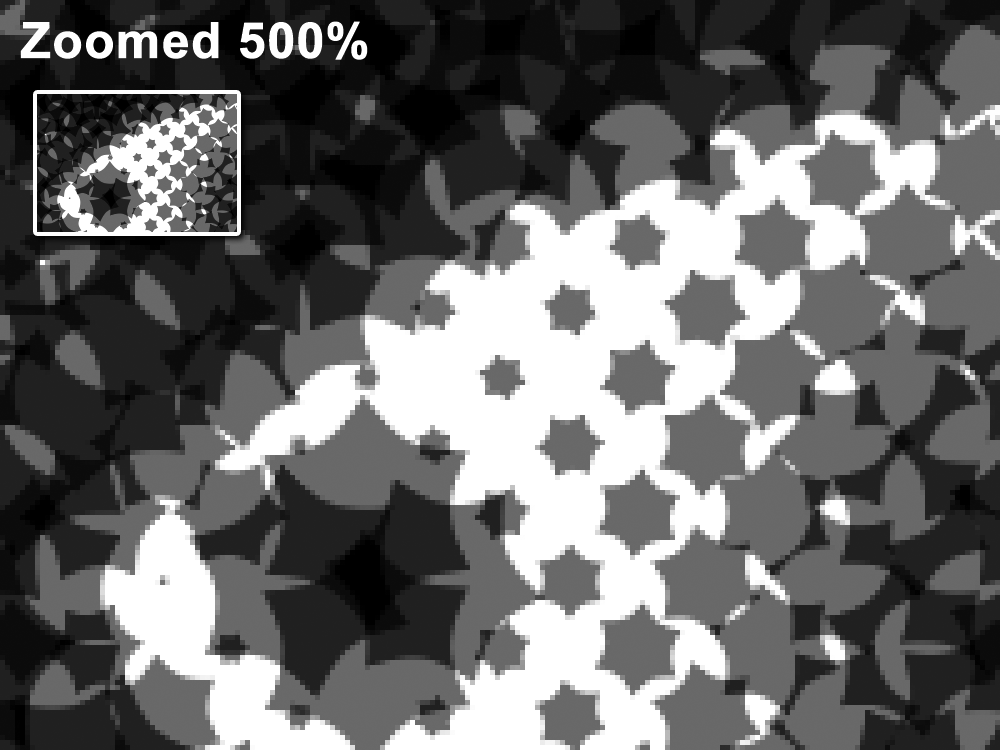 Absolute top qualityHalftone uses mathematical models for it's built-in shapes and special interpolation algorithms for custom bitmap shapes. If you work with 16-bit images, you'll be glad to hear anti-aliasing is 16-bit too! The quality shows when comparing to other halftone pattern software. Halftone draws smooth edges for all shapes - even the ones you designed yourself! - and all image modes and if you don't want the anti-aliasing, you can turn it off while still having the benefit of all high precision calculations. |
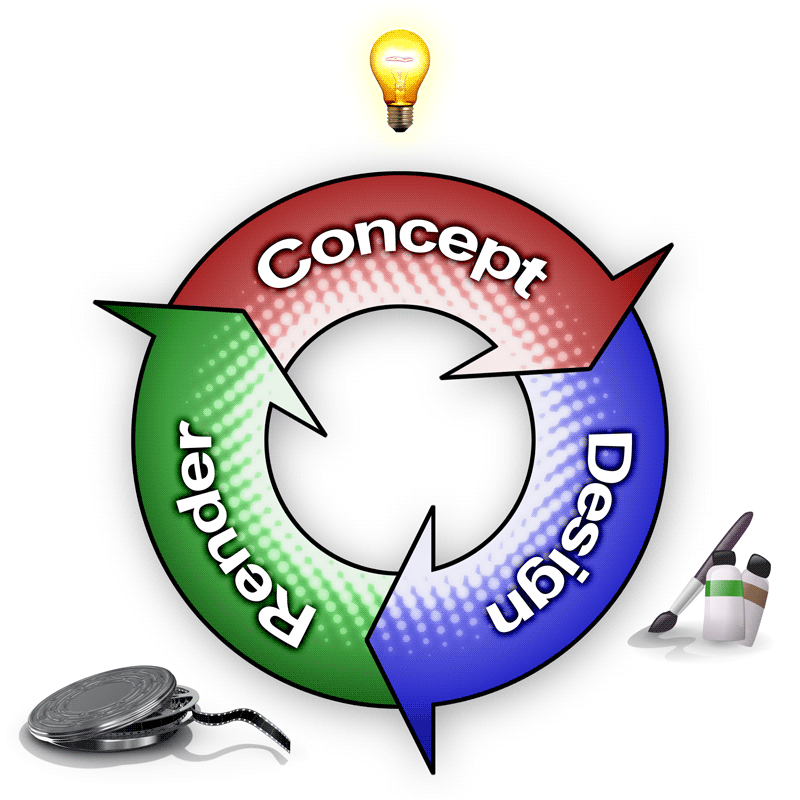 Improve your workflowSave, load and share all settings at any time; great for large-scale projects or repeat work. Effects scale with image size, so you can design your halftone pattern on a small image, then apply it to a large image, and it will appear exactly the same. Halftone provides you with all the tools you need in a single window, so you'll be able to create the effect you need in one go. |